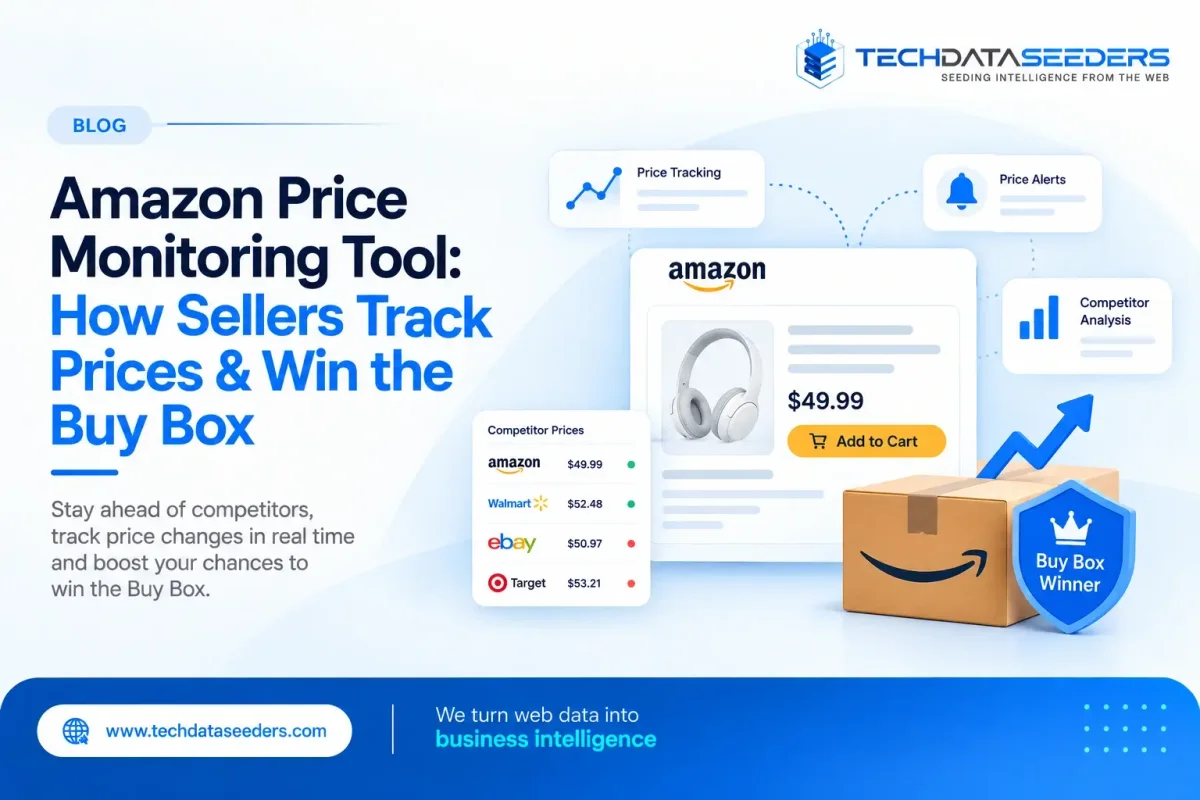
What Is an Amazon Price Monitoring Tool?
An Amazon Price Monitoring Tool is a system that collects and analyzes Amazon pricing and offers data for selected products or ASINs.
Depending on the setup, an Amazon Price Monitoring Tool can monitor:
- Current product price
- Previous price
- Discounted price
- Buy Box or Featured Offer price
- Competing seller prices
- Shipping costs
- Seller information
- Fulfillment method
- Product availability
- Offer changes
- Historical price movements
- Number of competing offers
Go through Amazon Featured Offer so that the information can then be used to identify pricing changes, competitive gaps, and Buy Box opportunities.
Amazon's own Selling Partner API provides pricing and offer information, including Featured Offer changes, competing offers, landed price, shipping, and Buy Box-related information.
For sellers monitoring large product catalogs, automated data collection can make this process significantly more manageable.
Why Do Amazon Sellers Need Price Monitoring?
Amazon pricing can change frequently as per eCommerce Data Scraping Guide.
A seller may reduce the price of a popular ASIN in response to:
- Increased competition
- A promotional campaign
- Inventory levels
- Seasonal demand
- A competitor's price change
- A change in Buy Box ownership
- Marketplace demand
If your team only checks prices manually once or twice a week, important changes can easily be missed.
An Amazon Price Monitoring Tool provides a more consistent view of the market.
For example:
| Event | What the Seller Can See |
|---|---|
| Competitor lowers price | New competitive price |
| Buy Box changes | New Featured Offer seller |
| Shipping changes | New landed price |
| New seller appears | Additional competitive offer |
| Product goes out of stock | Availability change |
| Price rises | New market price position |
| Promotion starts | Discount or offer change |
Scrape Amazon Product Prices: What Data Should You Collect?
When businesses scrape Amazon Product Prices, collecting only the displayed price may not be enough.
A more useful dataset can include several related fields.
Product Information
- ASIN
- Product title
- Brand
- Category
- Product URL
- SKU where applicable
Pricing Information
- Current price
- List price
- Sale price
- Discount
- Coupon information
- Price history
Offer Information
- Seller name
- Seller price
- Shipping cost
- Landed price
- Fulfillment method
- Seller rating
- Offer availability
Buy Box Information
- Featured Offer price
- Buy Box winner
- Buy Box changes
- Number of competing offers
- Buy Box eligibility signals where available
When you scrape Amazon Product Prices, storing historical observations is particularly useful because a single price snapshot cannot show how the market is changing.
How to Scrape Amazon Product Prices at Scale?
For a large catalog, manually opening Amazon product pages isn't practical as per our E-Commerce Data Scraping Services.
A typical automated workflow looks like:
- ASIN/Product List
- Amazon Product Collection
- Price & Offer Extraction
- Data Validation
- Product/Seller Matching
- Historical Storage
- Price Comparison
- Alerts & Analytics
The frequency can depend on the product category.
High-volume or highly competitive products may need more frequent monitoring, while slower-moving products may only require daily or weekly updates.
The important point is to match the monitoring frequency to the business value and rate of price movement, rather than collecting everything at the same frequency.
Amazon Buy Box Data Scraping: What Sellers Should Monitor
The Buy Box—now commonly referred to by Amazon as the Featured Offer—is especially important for sellers competing on the same product detail page.
Amazon defines the Featured Offer as the offer displayed with the Add to Cart button on the product detail page. Amazon also notes that competitive pricing, availability, delivery speed, and other qualifying factors influence Featured Offer eligibility.
This makes Amazon Buy Box Data Scraping valuable for understanding how offers are changing.
Depending on the available data source and permissions, sellers can monitor:
- Featured Offer price
- Featured Offer seller
- Competing offer prices
- Shipping costs
- Landed price
- Fulfillment type
- Offer count
- Offer changes
- Price changes
- Buy Box rotation
Amazon offer and Buy Box data for SP-API documentation states that its ANY_OFFER_CHANGED notification can indicate changes to the Buy Box winner or Buy Box price, as well as changes among competitive offers.
Why Landed Price Matters for the Buy Box
One common mistake in Amazon price monitoring is looking only at the product's listed price.
Consider:
| Seller | Product Price | Shipping | Landed Price |
|---|---|---|---|
| Seller A | $24.99 | $0 | $24.99 |
| Seller B | $23.99 | $2.99 | $26.98 |
| Seller C | $25.49 | $0 | $25.49 |
Seller B appears cheaper at first glance.
But its landed price is actually higher.
Amazon's offer data defines landed price using the listing price plus shipping, with Amazon Points considered where applicable.
This is why Amazon Buy Box Data Scraping should capture the surrounding offer information rather than treating the displayed product price as the only competitive signal.
Amazon Competitor Price Scraper: How It Helps Sellers
An Amazon Competitor Price Scraper automates the collection of competitor pricing and offer information across selected products.
Instead of manually checking 500 or 5,000 ASINs, sellers can create a monitored product list and collect relevant competitive data on a defined schedule.
An Amazon Competitor Price Scraper can help identify:
- Competitors consistently pricing below you
- Sudden competitor price drops
- New sellers entering a product
- Competitors increasing prices
- Changes in shipping costs
- Buy Box price movements
- Promotional activity
- Historical competitive patterns
For example, suppose your product has a price of $39.99 and the leading competitor suddenly drops from $38.99 to $34.99.
A monitoring system can flag the change.
Your pricing team can then investigate:
Is the competitor running a short-term promotion?
Did demand change?
Is the competitor clearing inventory?
Should your price change?
This is much more useful than automatically matching every competitor's price.
Amazon Buy Box and Price Tracker: Connecting Price With Competitive Position
An Amazon Buy Box and Price Tracker combines price monitoring with visibility into Featured Offer changes.
This gives sellers a more complete picture.
Instead of seeing:
"Competitor price dropped by $2."
You can potentially see:
"Competitor price dropped by $2, became the Featured Offer, and your offer lost the Featured Offer position."
That connection is much more actionable.
An Amazon Buy Box and Price Tracker can therefore be used to monitor:
- Your current price
- Featured Offer price
- Competitor prices
- Price gaps
- Buy Box changes
- Offer rotation
- Seller count
- Fulfillment information
- Historical changes
Amazon's PRICING_HEALTH notification is specifically designed to alert sellers when an offer is ineligible for the Featured Offer because of an uncompetitive price.
However, sellers should remember that price alone does not guarantee the Buy Box.
Does Lowering Your Price Guarantee the Buy Box?
No, lowering your price does not guarantee the Buy Box.
This is an important distinction for any Amazon pricing strategy.
Amazon states that competitive pricing is one part of Featured Offer eligibility, alongside other factors such as availability and delivery speed. Amazon also explicitly notes that competitive pricing does not guarantee Featured Offer placement.
That means an effective pricing strategy should not simply follow this rule. Instead, sellers should evaluate:
- Competitive price
- Landed price
- Fulfillment
- Availability
- Seller performance
- Historical Buy Box behavior
- Product demand
- Profit margin
This helps prevent unnecessary price reductions.
How Amazon Price Monitoring Supports Repricing?
It Supports once pricing data is collected consistently, sellers can use it as an input for repricing decisions.
An Example about mixture of pricing:
- Competitor Price
- Buy Box Price
- Historical Price
- Inventory Level
- Margin Floor
- Demand Signals
A seller might create rules such as:
- Monitor a competitor below a specific threshold
- Alert when the Featured Offer changes
- Flag products where your price is significantly above the market
- Identify products where price matching would damage margins
- Highlight ASINs with frequent Buy Box changes
Amazon's Product Pricing API also supports competitive pricing and Featured Offer-related workflows for sellers using Amazon's authorized API infrastructure.
Historical Amazon Pricing Data: Why It Matters
Current pricing tells you what is happening now.
Historical pricing tells you whether it is normal.
For example, imagine a competitor sells a product for:
- $29.99 most of the month
- $27.99 during weekends
- $24.99 during major promotions
If you only monitor today's price, you may incorrectly assume that $24.99 is the competitor's normal pricing.
Historical data provides context.
Sellers can use historical Amazon pricing data to identify:
- Average selling price
- Price volatility
- Promotional periods
- Repricing frequency
- Competitor pricing patterns
- Buy Box rotation
- Seasonal price movements
This makes an Amazon Price Monitoring Tool more useful as a strategic intelligence system rather than simply a price-alert tool.
What Amazon Sellers Can Do With Price Monitoring Data
Once the data is structured, it can support several business functions.
Pricing Teams
Identify products that require pricing review.
Marketplace Managers
Monitor Buy Box and competitor activity.
Category Managers
Understand category-level pricing pressure.
Brand Teams
Detect unauthorized or unexpected seller activity where applicable.
Business Analysts
Study historical pricing patterns and competitive movements.
Repricing Systems
Feed validated pricing signals into approved internal pricing workflows.
Management
Track overall competitive positioning across the catalog.
This is where raw Amazon data becomes pricing intelligence.
Building an Amazon Price Monitoring Dashboard
A useful dashboard doesn't need to overwhelm sellers with hundreds of metrics.
A focused dashboard might include:
| Metric | Purpose |
|---|---|
| Current price | Your latest price |
| Featured Offer price | Current Buy Box benchmark |
| Competitor price | Competitive reference |
| Price gap | Difference from benchmark |
| Buy Box status | Current position |
| Seller count | Competitive pressure |
| Price change | Recent movement |
| Historical average | Long-term reference |
| Stock status | Availability context |
| Fulfillment | Offer comparison |
You can also add alerts for high-priority events.
For example:
- Competitor price dropped 8%
- Featured Offer changed
- New seller detected
- Your price is 10% above competitive benchmark
This allows teams to focus on changes that actually require attention.
Common Challenges When Monitoring Amazon Prices
Large-scale Amazon monitoring can introduce several data challenges.
Product Matching
The same or similar products may appear with different variations, pack sizes, or configurations.
Price Context
A displayed price may not represent the complete customer cost because shipping, promotions, or other offer conditions can affect the final comparison.
Frequent Changes
Prices and offers can change quickly, making stale datasets less useful.
Marketplace Differences
Amazon pricing and offers can vary by marketplace and geography.
Data Quality
Duplicate, missing, or incorrectly matched records can affect competitive analysis.
Buy Box Interpretation
A price change should not automatically be interpreted as the reason for a Buy Box change.
These are reasons to combine data collection with validation, normalization, historical storage, and analytics.
How Techdataseeders Can Support Amazon Price Monitoring
Techdataseeders works with e-commerce and retail businesses to collect and structure product, pricing, competitor, catalog, and marketplace data at scale.
Its e-commerce data solutions cover marketplace sources including Amazon, Walmart, and Flipkart, with capabilities around price monitoring, stockout detection, promotional tracking, and competitive intelligence.
For an Amazon-focused project, the data pipeline can be structured around:
- Amazon Product Pricing API
- Product pricing
- Competitor pricing
- Seller information
- Offer data
- Buy Box monitoring
- Historical price tracking
- Availability
- Promotions
- Scheduled data collection
- API-based delivery
For broader analysis,Data Analytics & Intelligence Services can help transform collected pricing data into competitor benchmarks, price signals, and decision-ready intelligence.
Amazon Price Monitoring Is More Than Finding the Lowest Price
The biggest mistake sellers can make is treating Amazon price monitoring as a race to the bottom.
The purpose of an Amazon Price Monitoring Tool is to create visibility.
It can help sellers understand:
What is my price?
What are competitors charging?
Who currently owns the Featured Offer?
How has the price changed?
Is the change temporary or part of a pattern?
Does my pricing need attention?
For sellers managing large Amazon catalogs, combining Scrape Amazon Product Prices, Amazon Buy Box Data Scraping, an Amazon Competitor Price Scraper, and an Amazon Buy Box and Price Tracker can create a much clearer view of marketplace competition.
FAQs
It is a system that tracks Amazon product prices, competitor offers, Featured Offer changes, availability, and other pricing signals.
Common fields include product price, discounts, seller information, shipping, availability, offers, and historical pricing.
It involves collecting relevant offer and Featured Offer information to understand Buy Box changes and competitive positioning.
It automatically collects selected competitor pricing and offer information for products or ASINs on a defined schedule.
No. Amazon states that price is only one factor in Featured Offer eligibility, alongside factors such as availability and delivery.
It depends on the category and competition. Fast-moving products may require frequent monitoring, while slower categories may need daily or weekly updates.
Yes. Historical and competitor pricing data can help sellers identify when a price change is necessary—and when matching a competitor would unnecessarily reduce margin.